Fusion 360 for Woodworkers
Live online classes
taught by Ben Strano
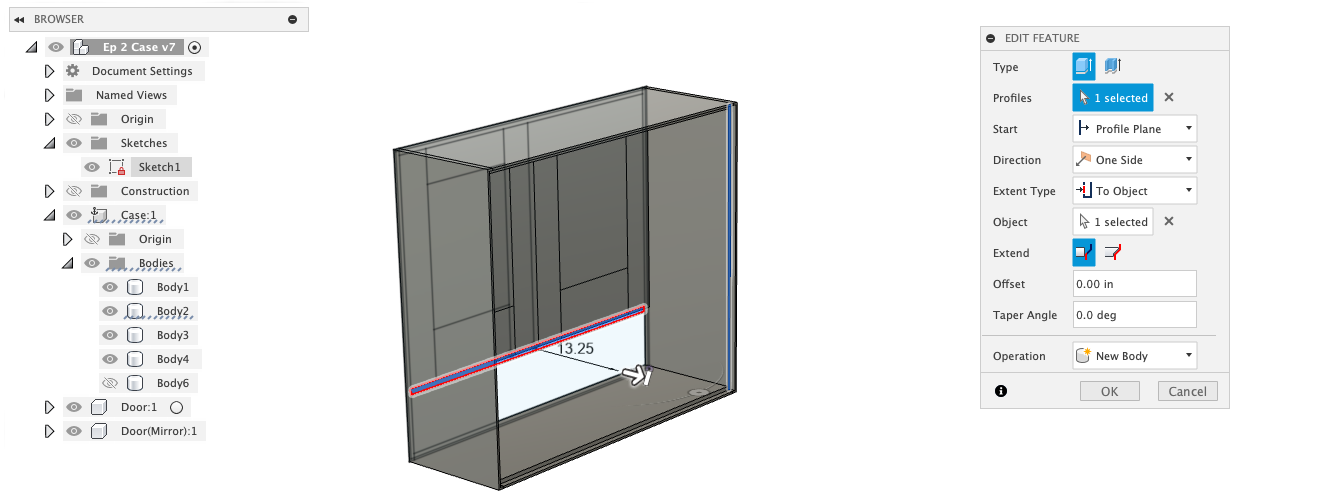
CAD software wasn't built with woodworkers in mind. These classes are. Skip the engineering rabbit holes and learn exactly what you need to design furniture, jigs, and shop projects.
- Small-group sessions, live via Zoom
- No engineering background required
- Average computer literacy required
What you'll learn
- Sketching and constraining parts the way woodworkers think
- Parametric design — change one dimension, everything updates
- Adding dovetails and mortise and tenon joints
- Creating curved and turned pieces
- Generating shop drawings from your model
Projects we'll model
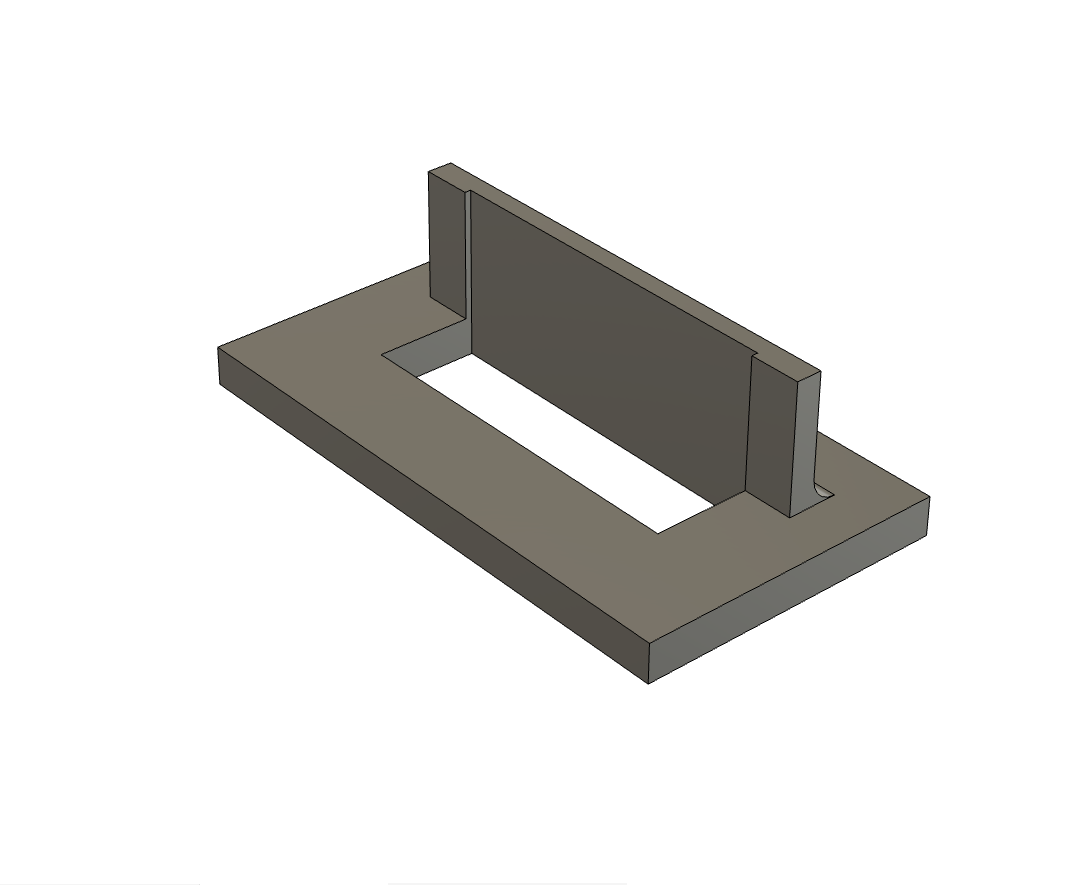
- A Parametric Mortising Jig — A 3D-printed mortise routing jig serves as the basis of parametric modeling concepts.
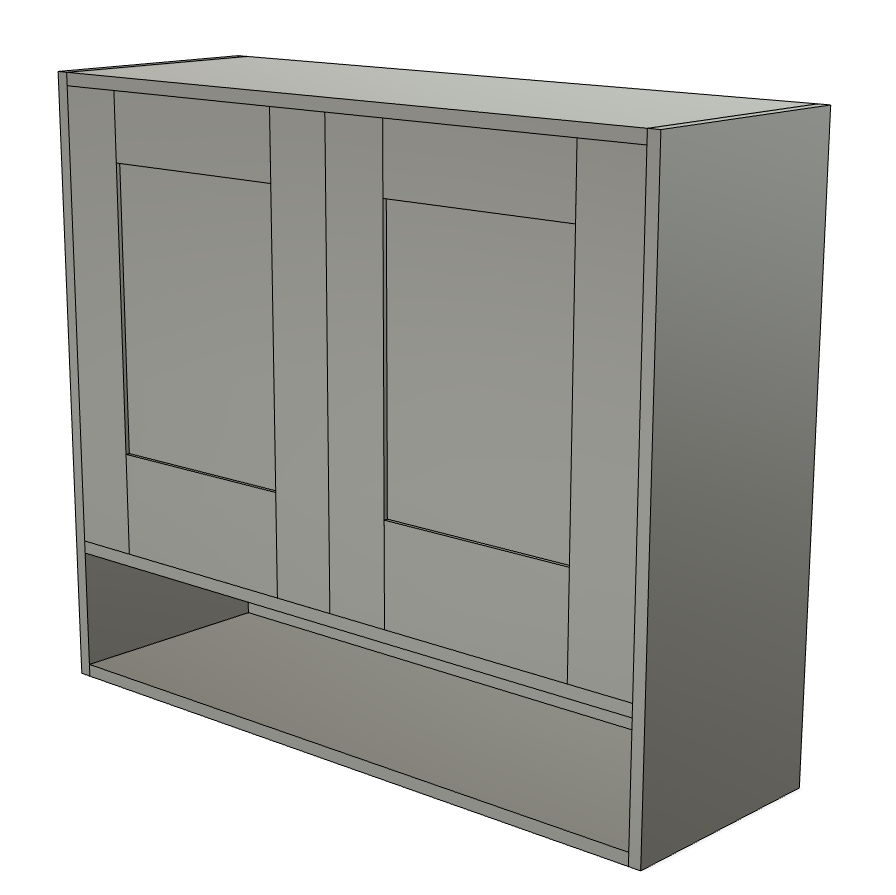
- Hanging wall cabinet — Frame and panel door, dovetail joinery, through tenons. You'll learn about making furniture parts and tweaking a design.
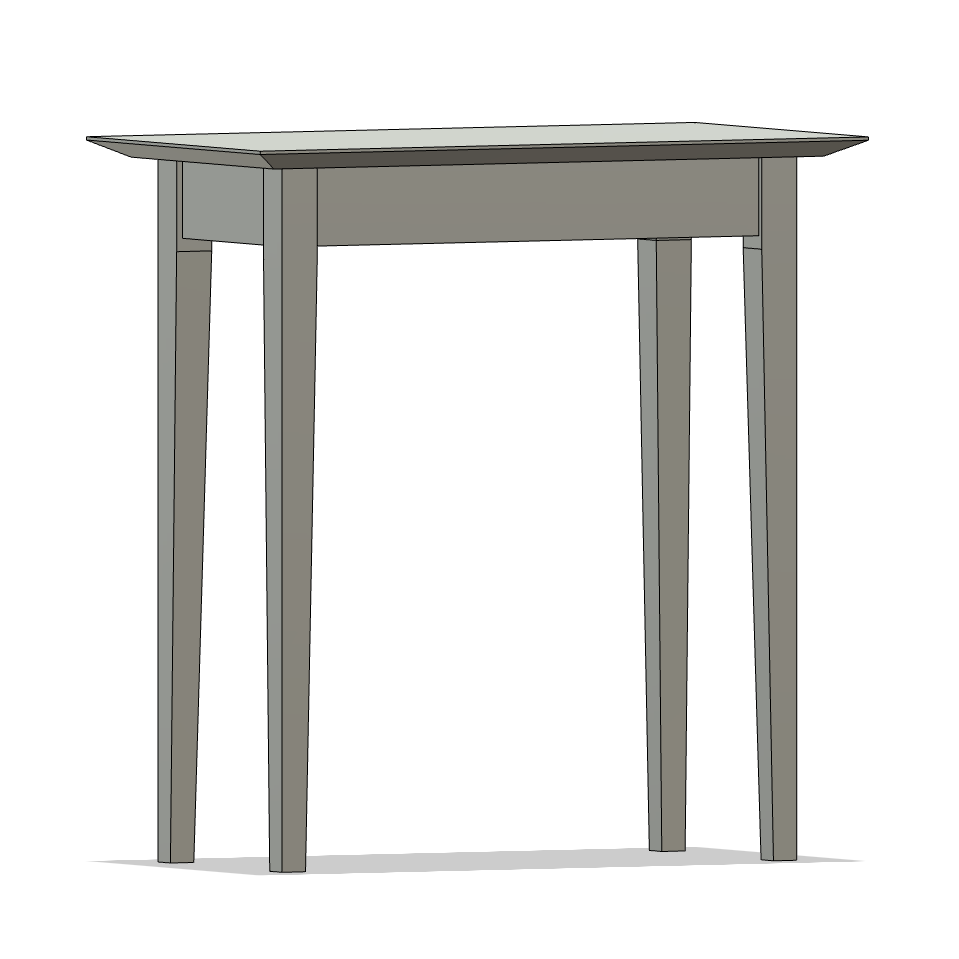
- Shaker-style side table — Double tapered legs and a beveled top. You'll learn to model furniture with subtle geometry and get comfortable working across an assembly.
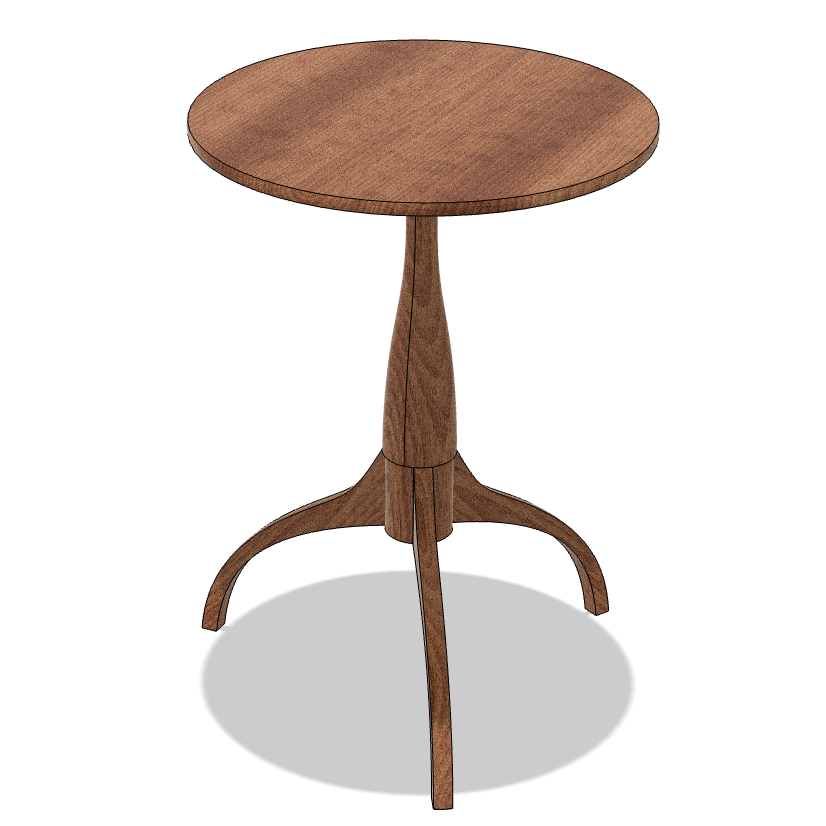
- Shaker candle stand — A classic form that brings curves and round parts into the picture.
Format
Classes meet live on Zoom for two hours each week, for four weeks. Class sizes are small by design — you'll get real attention, not a lecture.
Each class follows the same rhythm: first you'll watch me model the project live, following along with a step-by-step PDF. Then you'll model it yourself, and I'll be on hand the whole time — answering questions, troubleshooting, and jumping into your screen when you need a closer look. Between sessions, using the PDFs as a guide, you can work at your own pace or revisit anything that didn't click the first time. For the duration of the course, you'll also have access to me via email for Fusion 360 help — I'll do my best to reply within 24 hours.
Each session will be recorded on Zoom for immediate access in case you need to review something. I will also record a full-resolution version that will be shared with students the next day as a private YouTube link.
Tech requirements
- Free personal license of Fusion 360, installed on your computer.
- A free Zoom account.
- A three-button mouse.
- A second monitor is a "nice to have" so you can watch the lesson and follow along. Not required at all.
Pricing
$245 for the full course — four live sessions, two hours each. Class size is capped at ten students to keep things personal and make sure everyone gets the attention they need.
October cohorts — now open
Two new cohorts are running back-to-back in October. A lot of students have asked for a more West Coast-friendly time, so I'm offering both an early and a late session:
- 7:00 pm Eastern — friendlier for the East Coast and Midwest
- 9:30 pm Eastern — friendlier for the West Coast
These sessions aren't being announced anywhere else until September 14th.
Sign up ↗If the classes are full, join the interest list and you'll be the first to know when new classes are announced.
What students are saying
"Fusion is a very robust program and can do way more than the average furniture maker needs. That complexity is awesome, but also makes learning what you need a challenge. After nearly three years of struggling with this software, taking several classes and searching for online tutorials, I finally feel comfortable putting it to use in my business. For the cost of a single outsourced drawing, I now have the skills I need to do the basics well and explore the more complex aspects with a solid foundation. Ben is an excellent teacher who is obviously comfortable with true beginners and advanced students looking to improve. Highly recommend taking this class to improve your skills."
— Adam Godet, Washington, DC